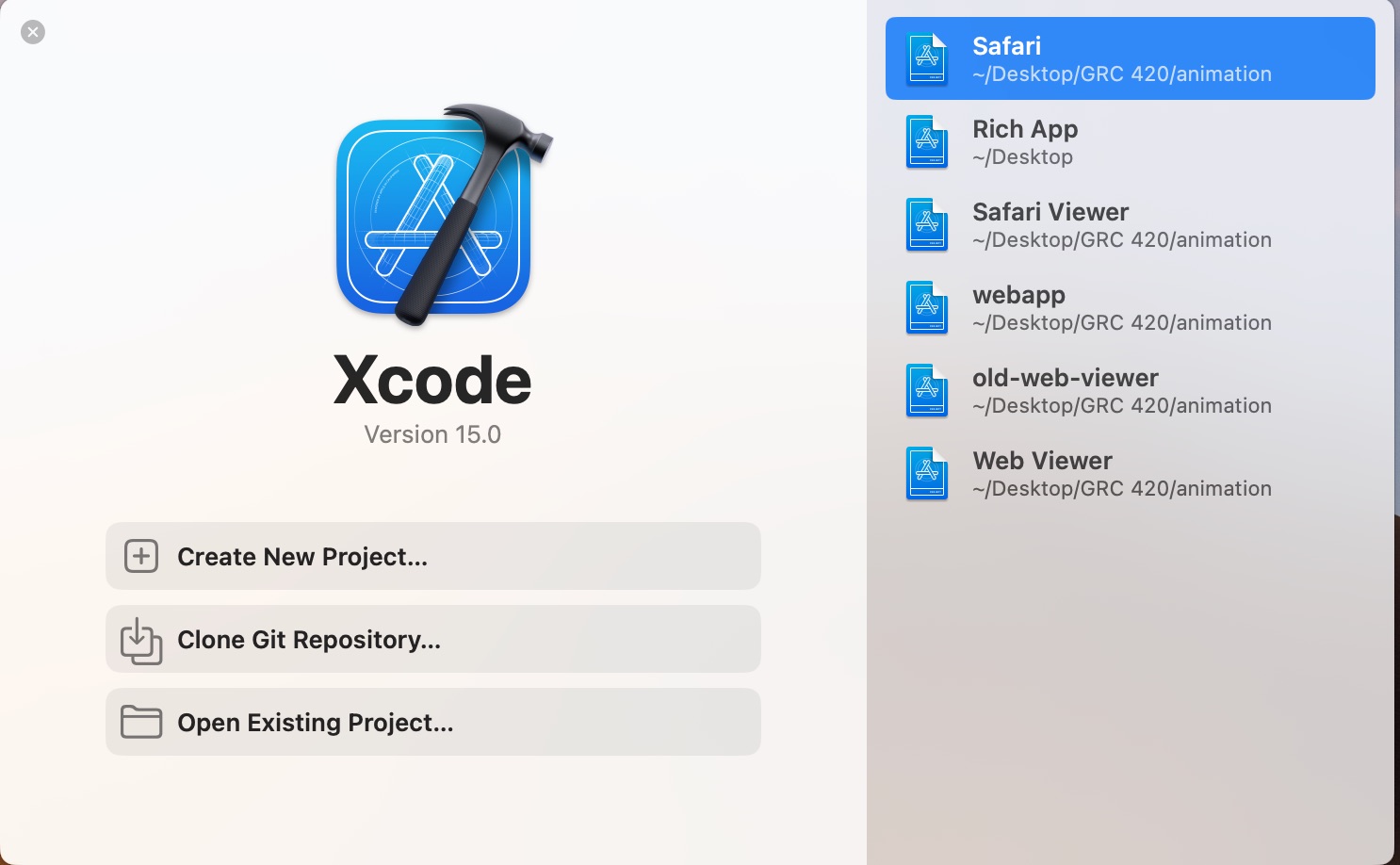
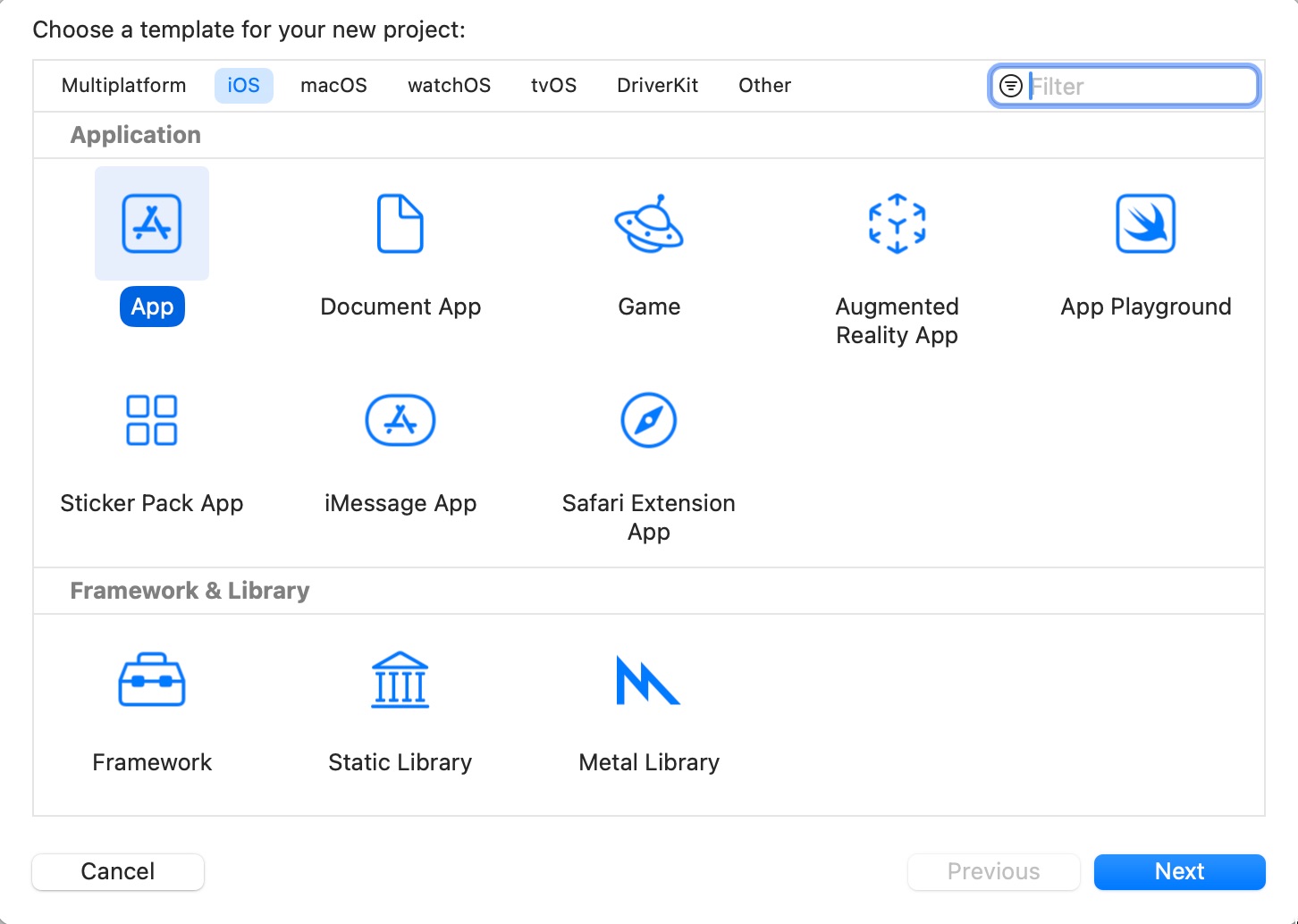
In the Choose a Template dialog, select iOS and App.
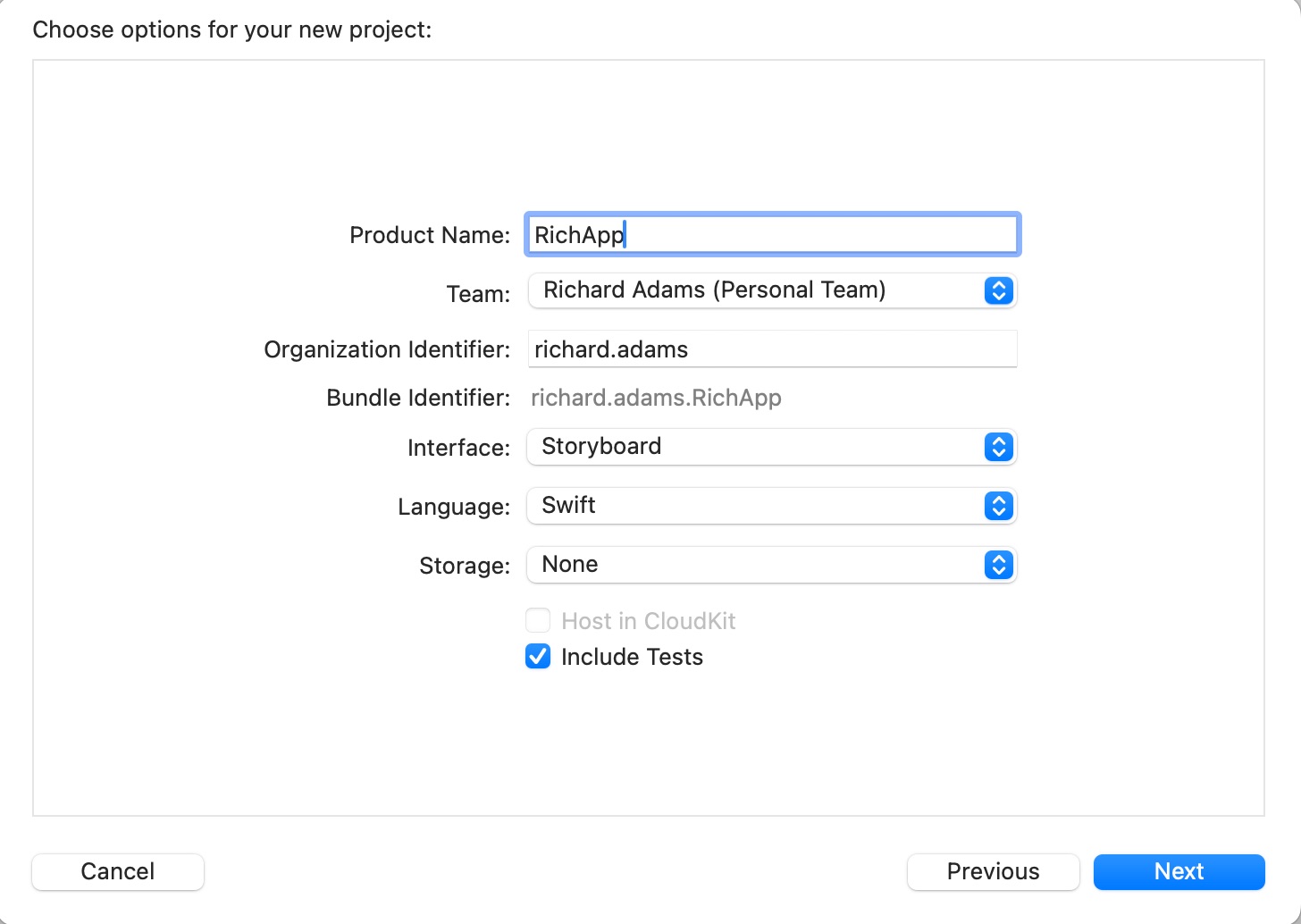
in the Choose Options dialog, name your app, specify the Team and Bundle Identifier (email username), and select Interface Storyboard and Language Swift.
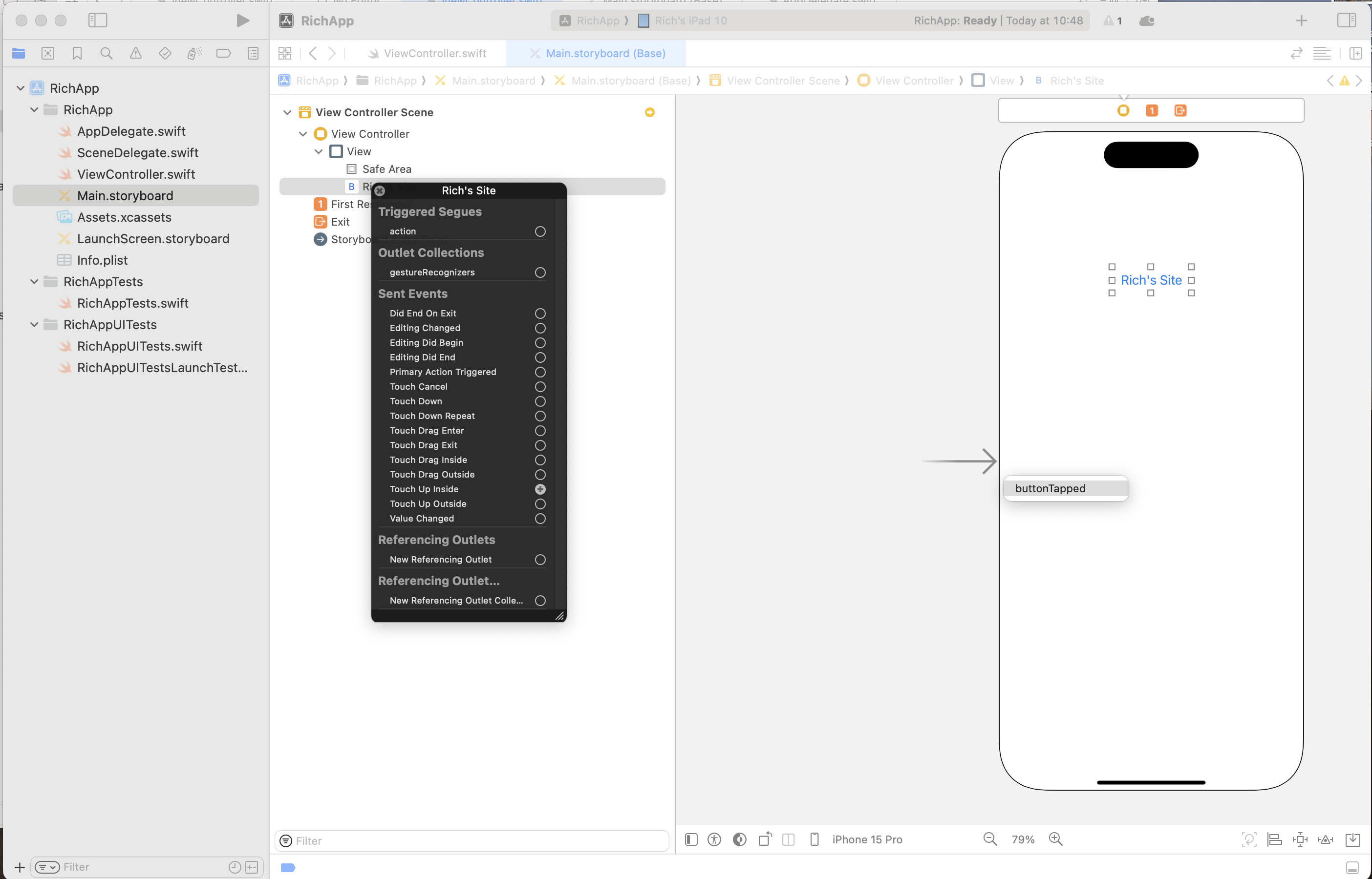
Select the ViewController.swift file and replace the code with that shown in the sidebar below.
Making and Inserting the Icon
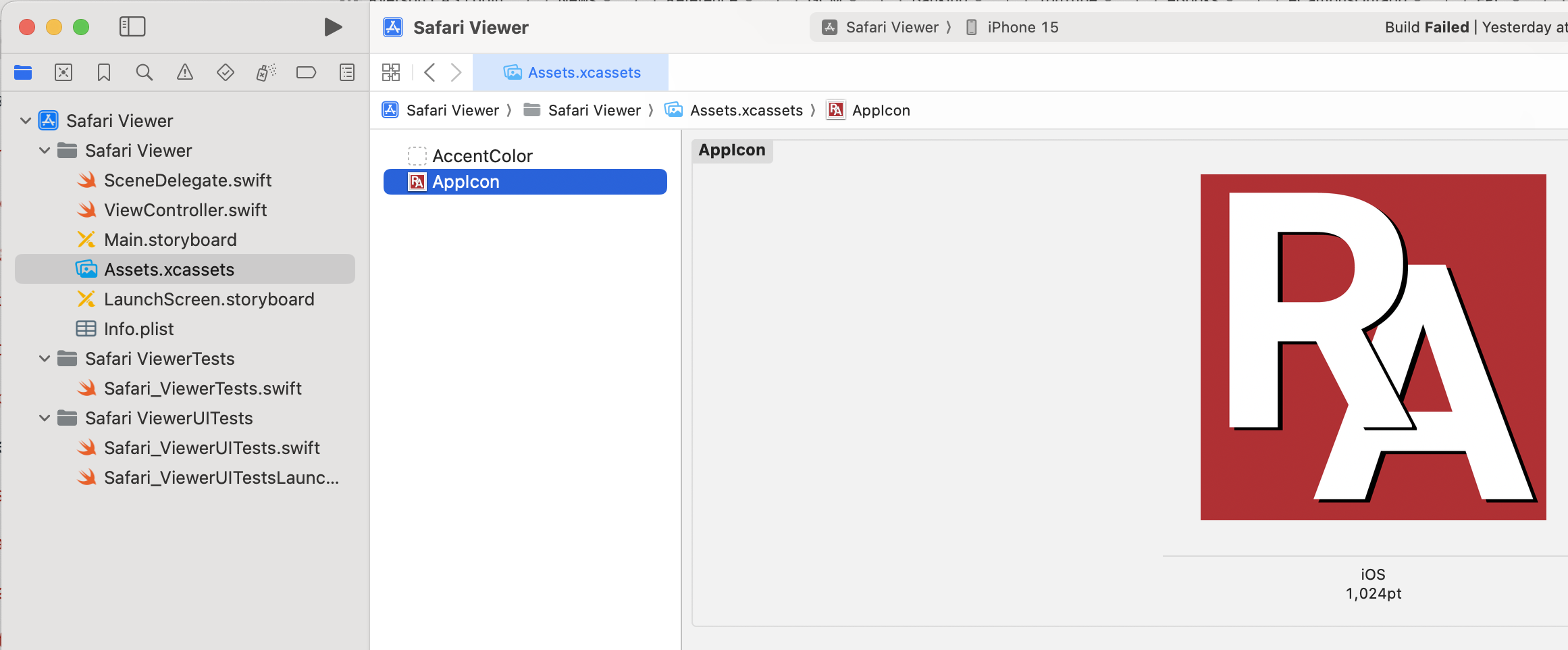
Design a 1024×1024 icon for your app in Illustrator, Photoshop, or InDesign and export as PNG.
In the files list, select Assets.xcassets. Drag-and-drop your icon into the window.
Simulating Your App
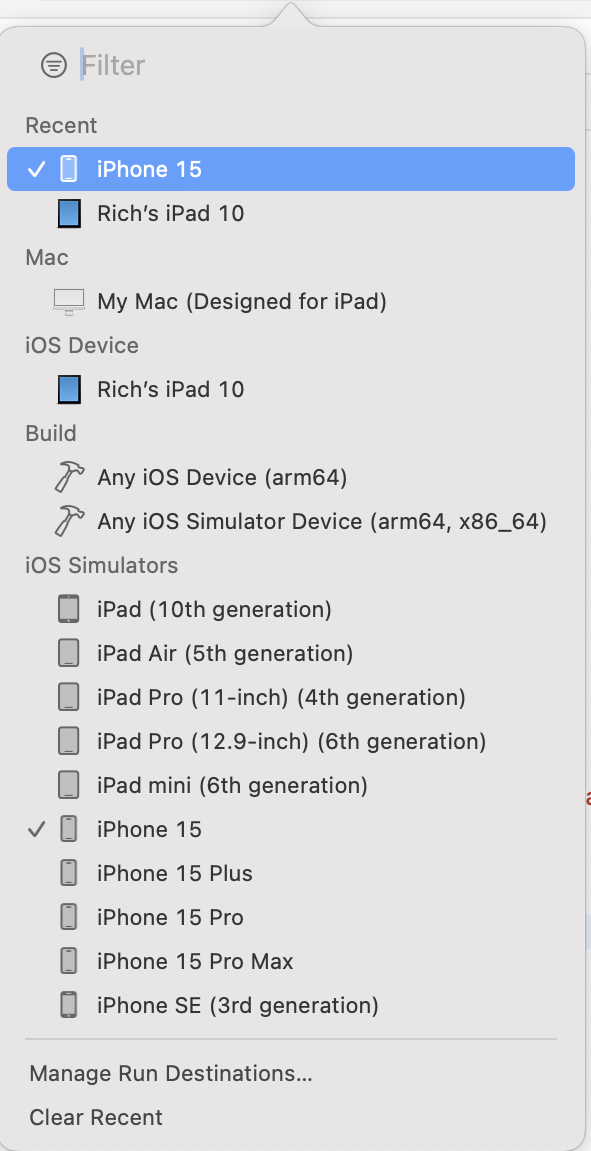
At the top of the dialog box, select the device on which you want to simulate your app, e.g., iPhone 15.
You can also simulate on a wire-connected iOS device such as an iPhone or iPad.
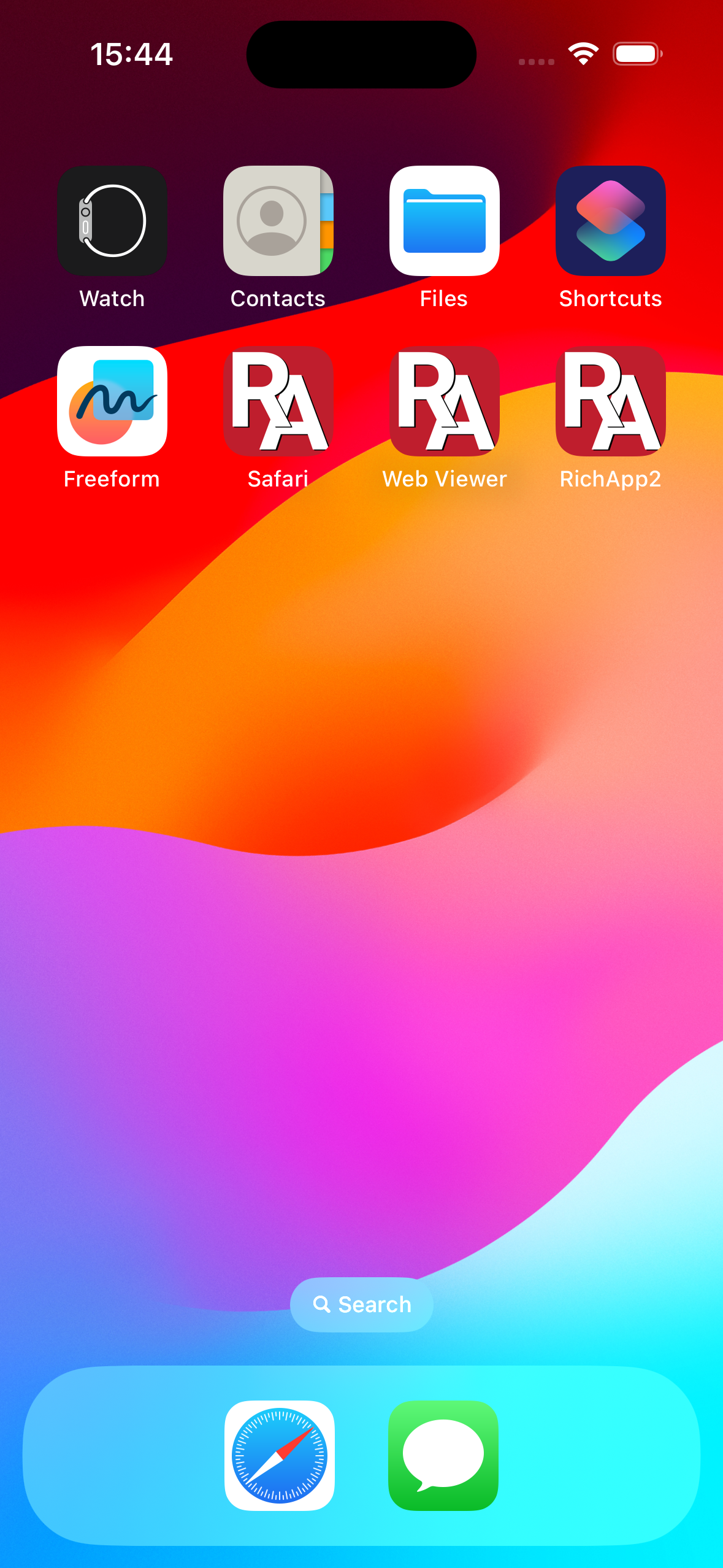
At the upper left of the window, click the triangular “Run” arrow to compile and simulate your app.