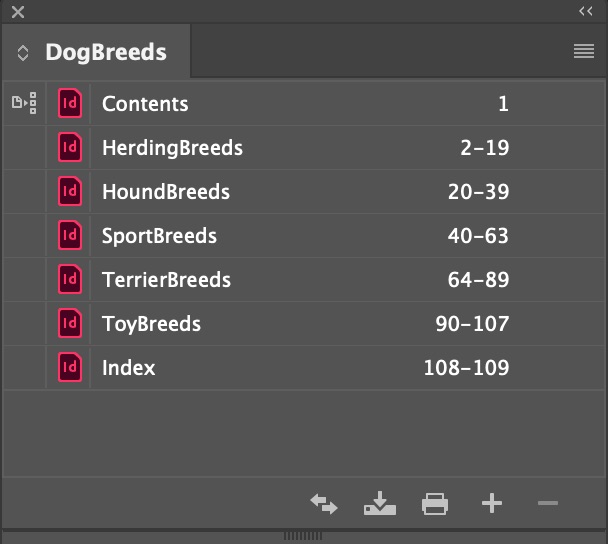
Adobe InDesign has a number of features that are useful in designing long documents, such as books, magazines, reports, and the like. Chapters may be saved in separate documents that can be linked together using the Book Palette.
Book Palette
File > New Book (file type .indb). A palette that organizes multiple chapters in individual InDesign documents. The palette can be used to number, print, and save the chapters.
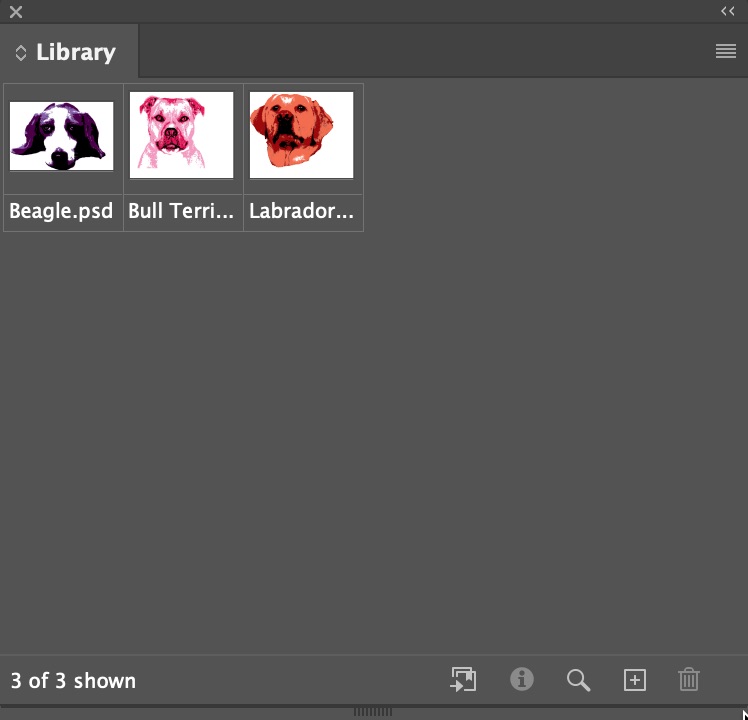
Library
File > New Library (.indl). A floating palette that can be opened in multiple documents and hold commonly used images and text.
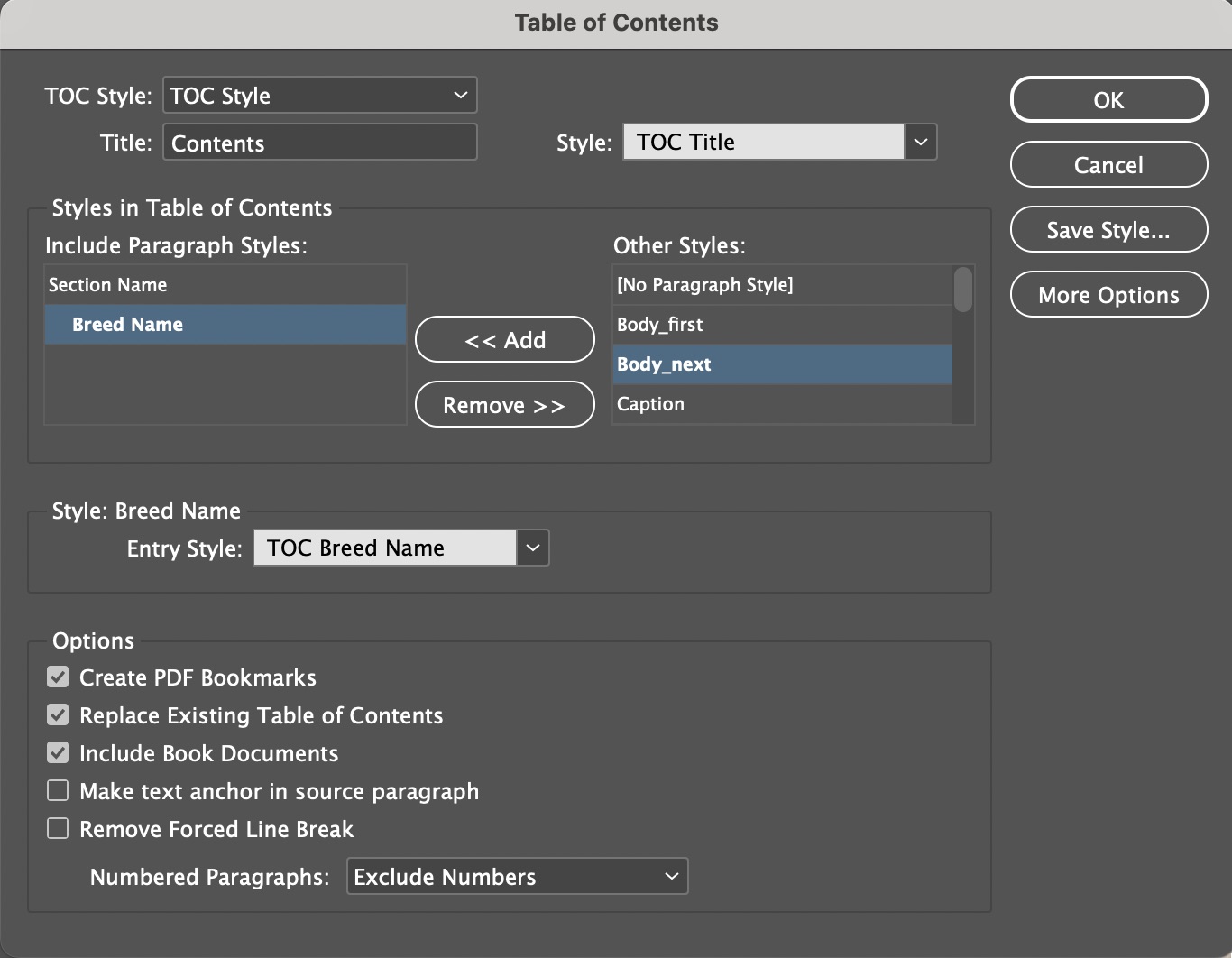
Table of Contents
Layout > Table of Contents. A dialog box used to create an automatic table of contents by taking text of specified styles.
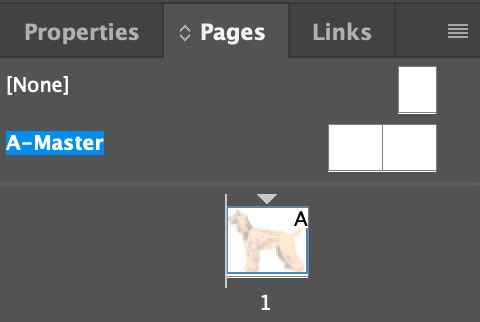
Master Pages
Window > Pages. Pages whose content is copied to multiple subsidiary pages. Can hold headers, footers, page numbers, and repeating text.
Templates
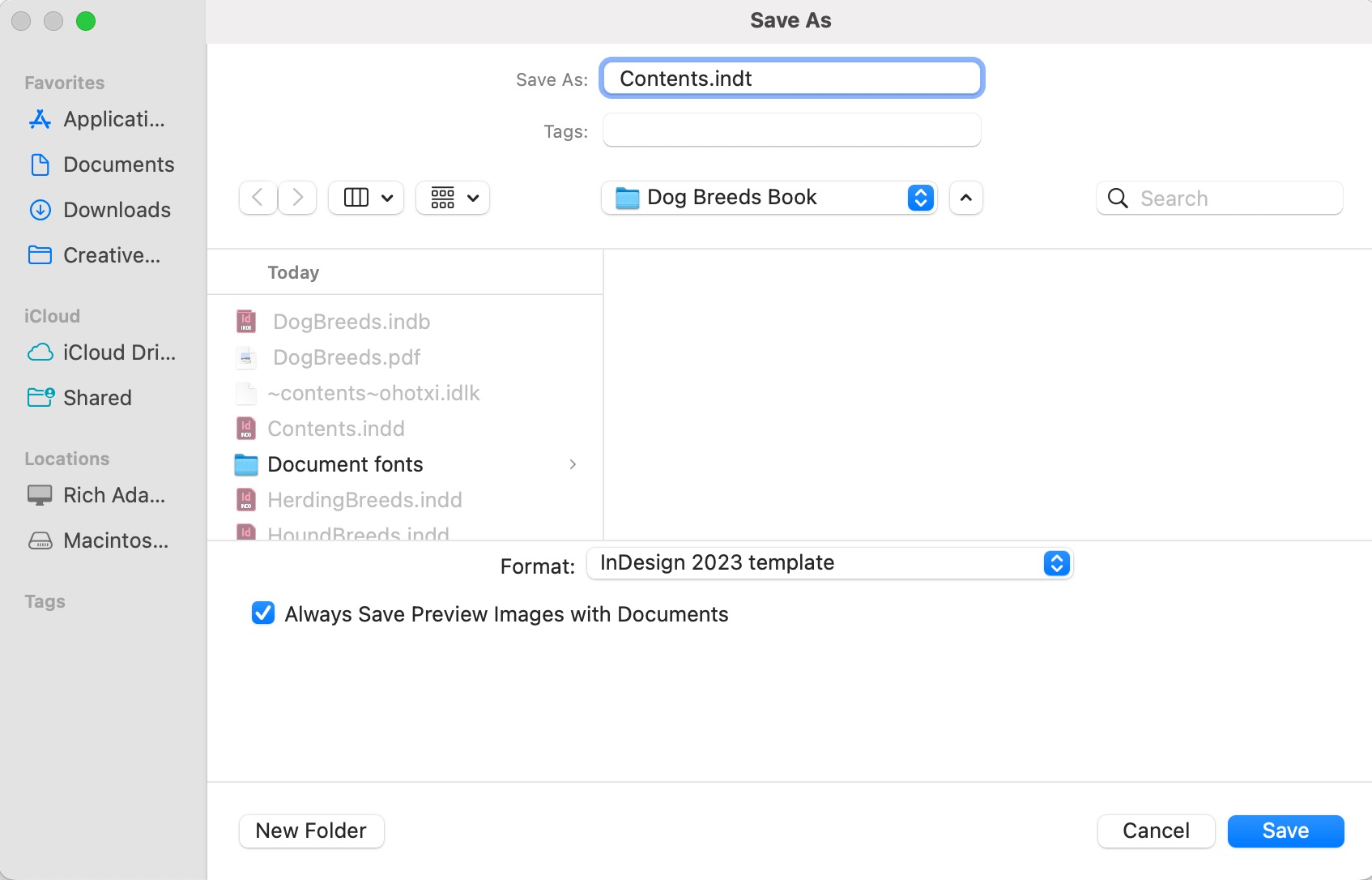
File > Save As > Template (.indt). A preformatted document that can be distributed to multiple users. When saved, will prompt the user for a new name, like a Save As dialog box.
Styles
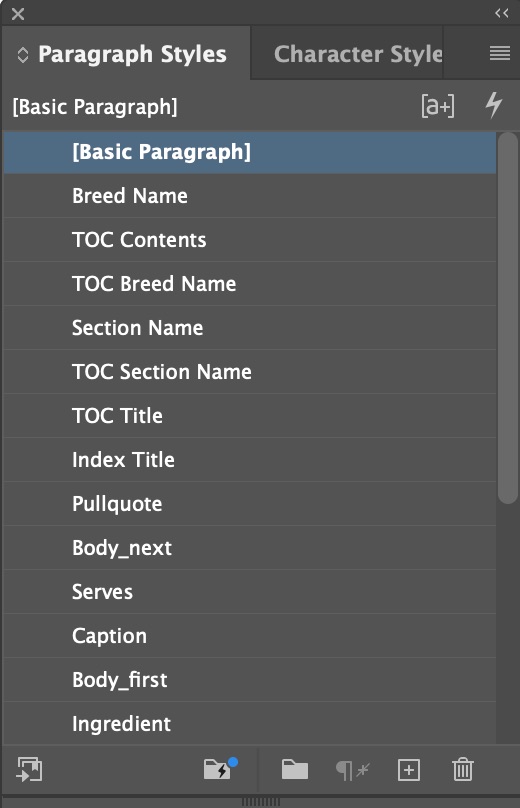
Window > Styles. Includes Paragraph, Character, Object, and Table Styles.
Index
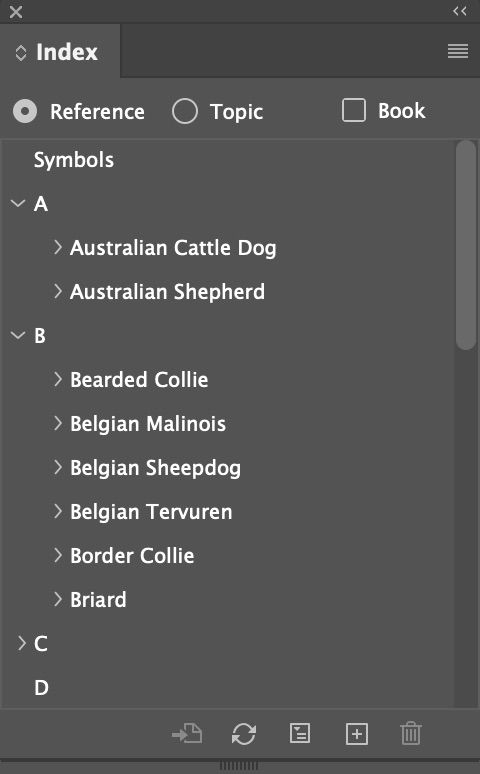
Window > Type and Tables > Index. Designers can designate keywords by hlighting in text and selecting Insert in Index, then an alphabetical list can be generated.d
Tables
Table > Create Table. Useful for organizing text in a grid, designers can insert and delete rows and columns and apply Table Styles with background and border colors and lines.