sRGB
AdobeRGB
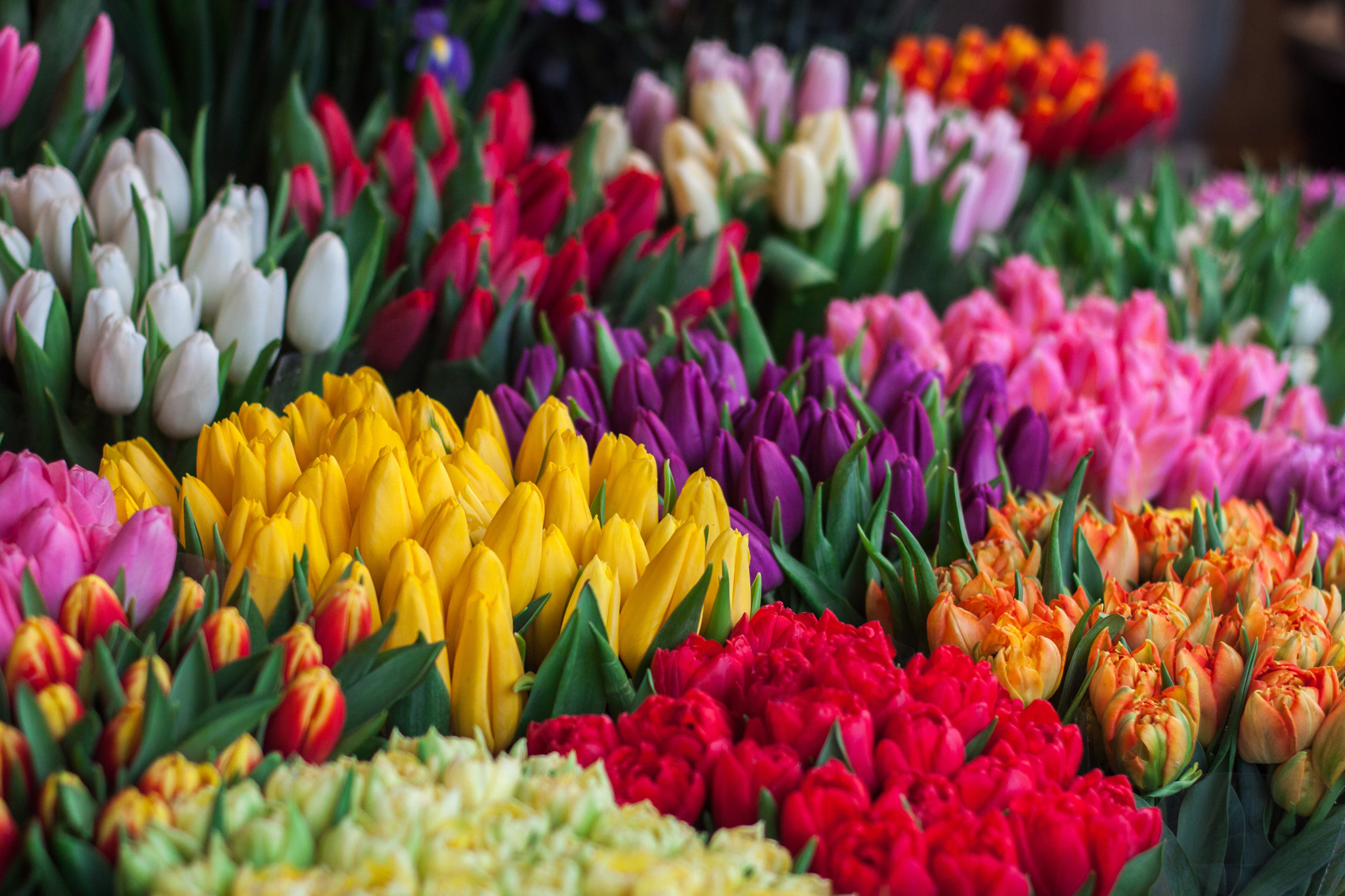
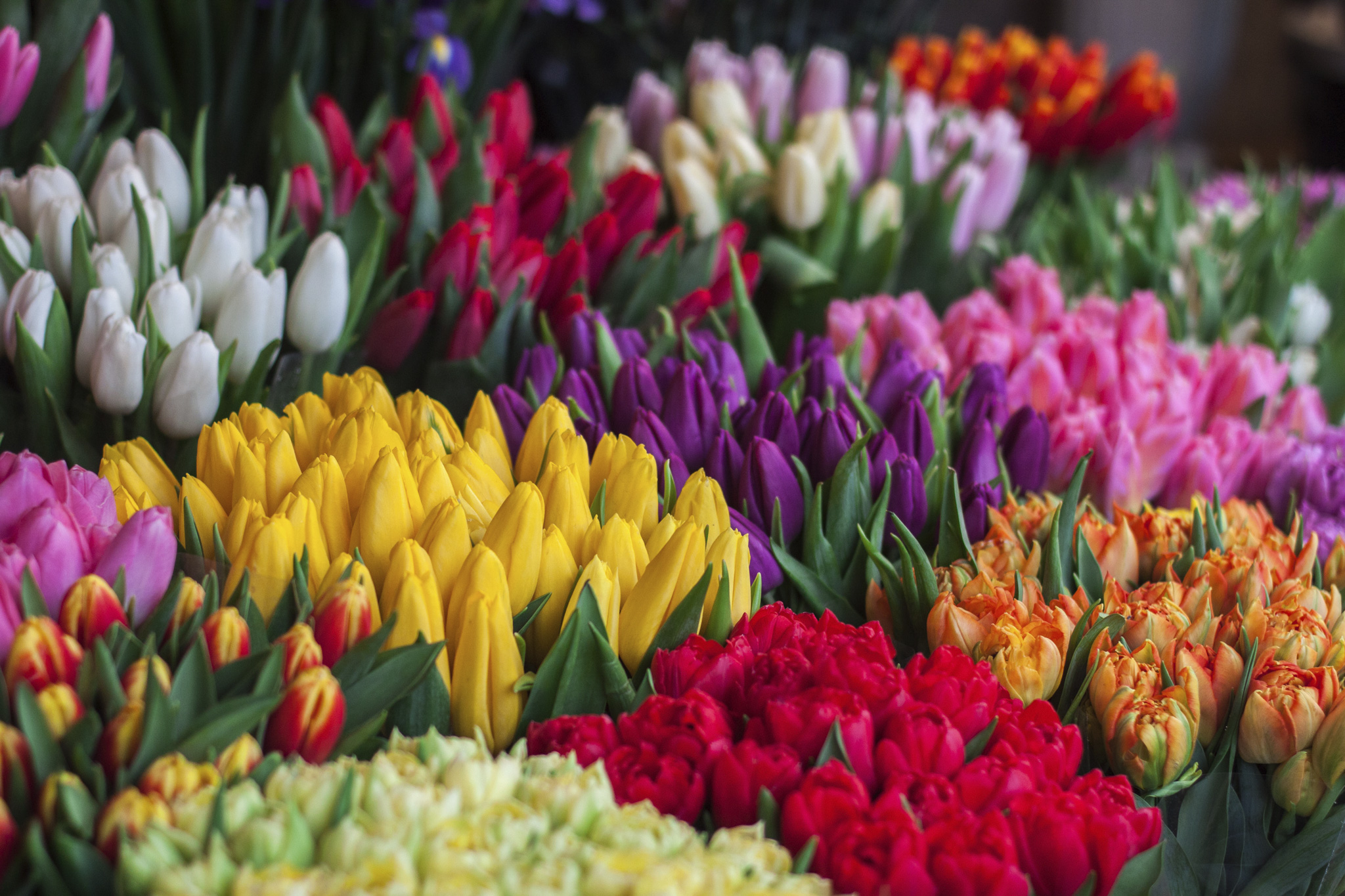
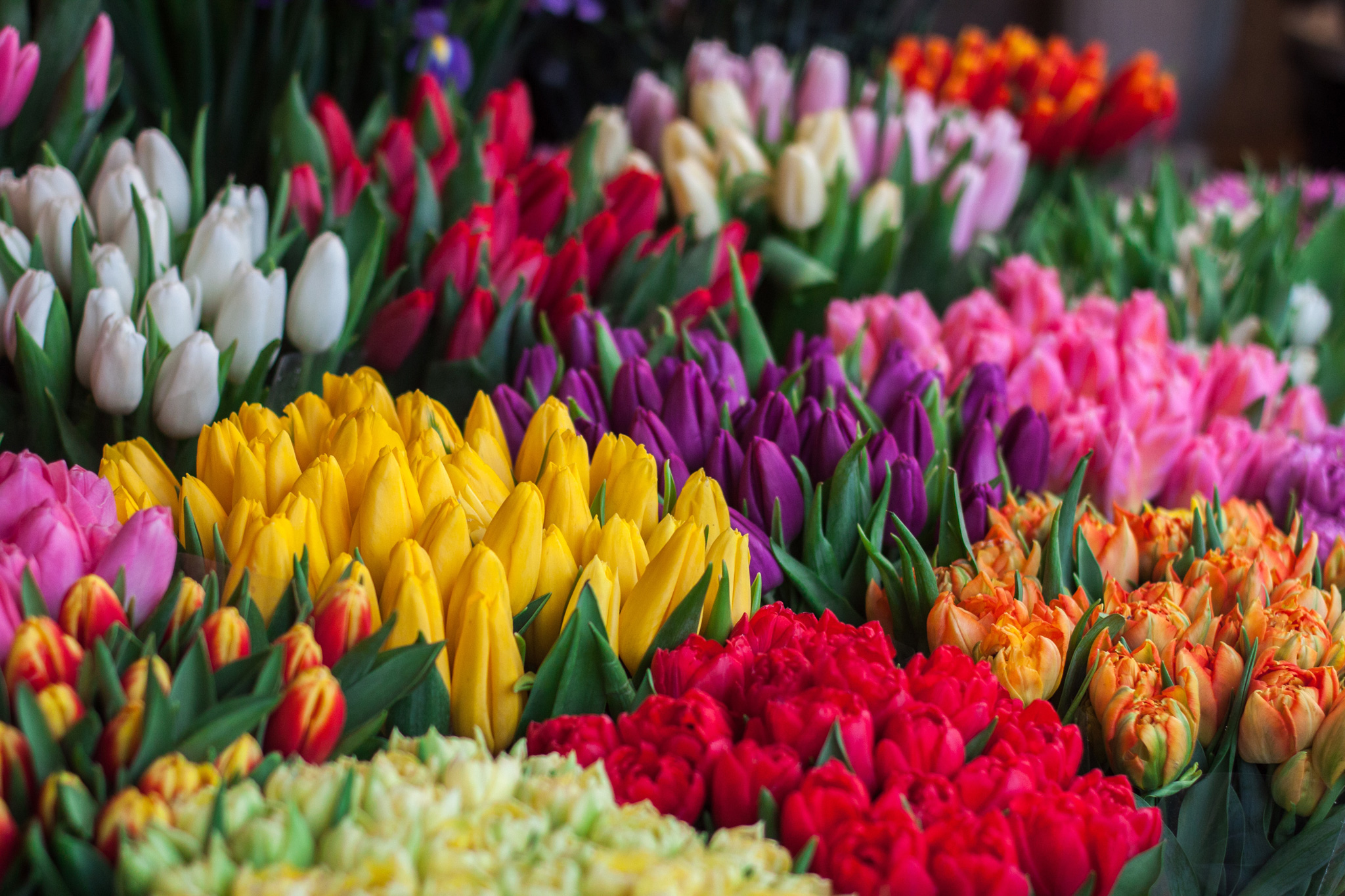
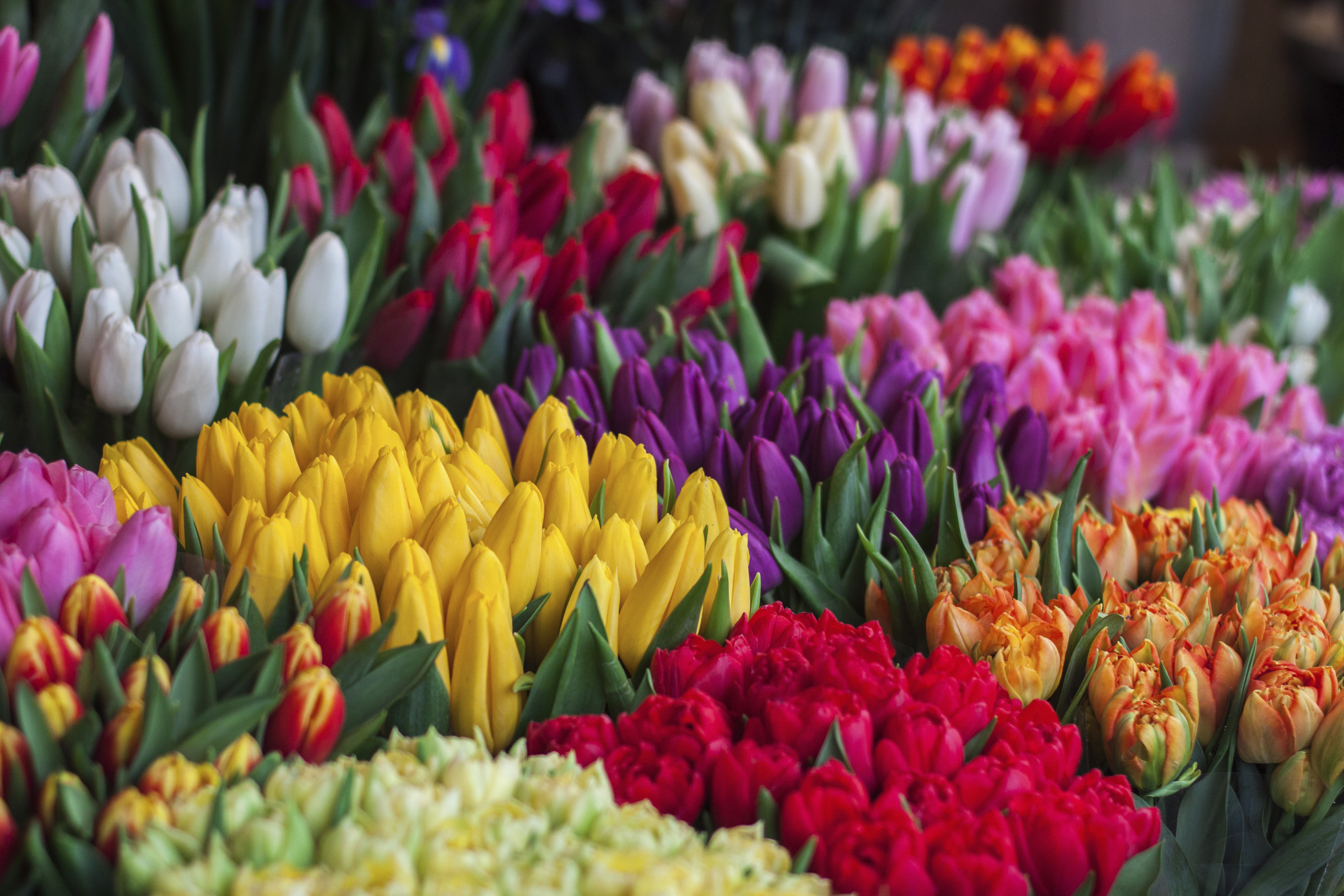
This page demonstrates how web browsers can read ICC color management profiles embedded in images.
• Photos in the first column are in the sRGB color space, while those in the second column are in the larger-gamut AdobeRGB.
• The first row of photos has the profile embedded in the image, while the second row does not.
The original photo was in sRGB and the right-column photos were converted in Photoshop to AdobeRGB using the Edit > Convert to Profile command.
(Photo by Ioann-Mark Kuznietsov on Unsplash.)